This article applies specifically to organizations using the HRIS Sync integration. |
Overview
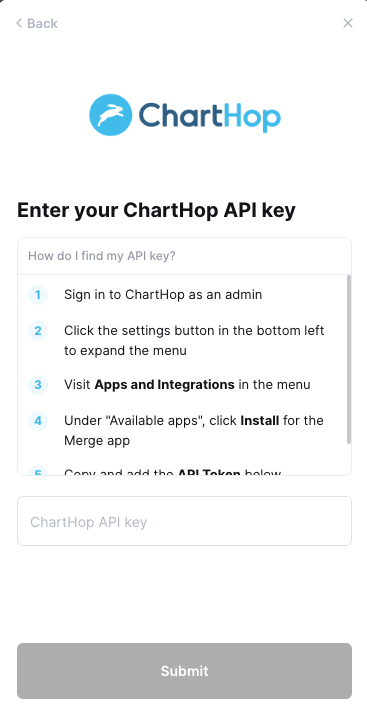
To authenticate ChartHop, you will need to provide the following information:
- ChartHop subdomain
- API key
This guide will walk you through finding or creating those credentials within ChartHop.
Prerequisites
Please ensure you have Admin permissions in your company's ChartHop instance or someone has shared their access with you.
Instructions
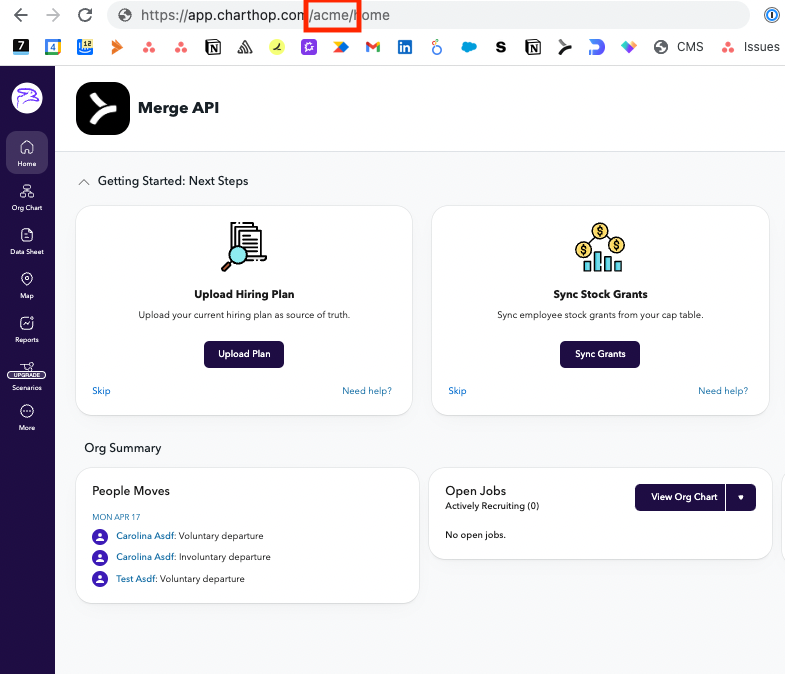
Step 1: Locate your ChartHop subdomain
If your ChartHop URL is "https://app.charthop.com/acme/home", add acme
Step 2: Find your ChartHop API key
- Go to Settings > Apps > All apps. Install the Merge app.
- Generate an API Token with the Access Level "Owner."
- Save the API Token
Step 3: Enter your API key into the linking flow