This article applies specifically to organizations using the HRIS Sync integration. |
Overview
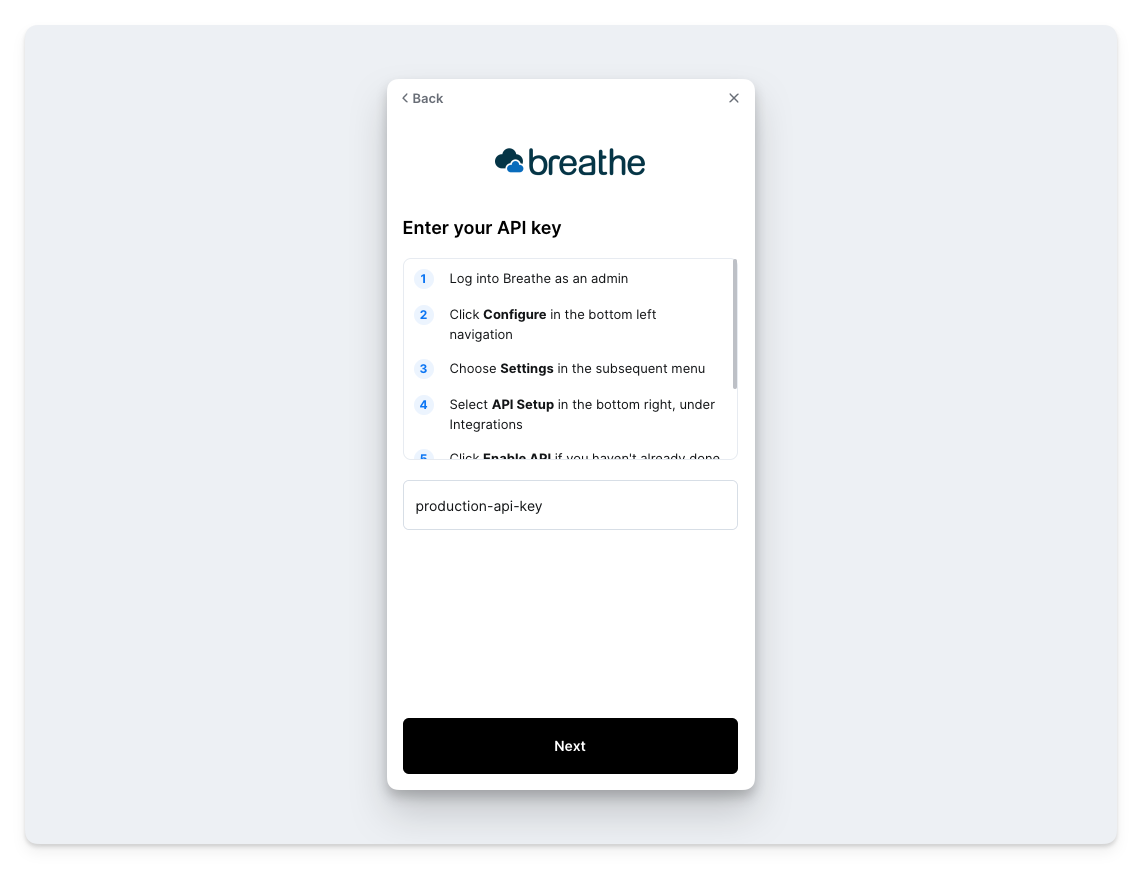
This guide will outline the steps needed to connect your Breathe account. To connect your Breathe account, you will need to provide an API key.
Prerequisites
You are an Administrator in your company's Breathe instance, or someone has shared their access with you.
Instructions
Step 1: Find your production API key
- Login to your Breathe account
- Click Configure in the bottom left corner
- Click Settings in the panel that opens
- Click API Setup in the bottom right
- Click Enable API if you haven't already done so in the past. Agree to the terms that pop up on the subsequent screen.
- Copy your production API key
Step 2: Enter your production API key in the linking window