This article applies specifically to organizations using the HRIS Sync integration. |
Overview
To authenticate Paylocity to a partnered organization, you will need to provide the following information:
- Company ID
This guide will walk you through finding or creating those credentials within Paylocity.
Prerequisites
Please ensure you fulfill all the requirements to set up the integration:
- You have Administrator permissions in your company's Paylocity instance, or someone has shared their access with you.
Instructions
- Sign in to Paylocity
- Navigate to the Integrations Marketplace: HR & Payroll > Web App > Web Services > Integrations > "Browse Marketplace"
- Browse to find the specific Organization you are trying to connect to
- Click "Begin Integration" and sign the PADE (“Paylocity Automated Data Exchange”) form
- Submit the form and wait for Paylocity to confirm. It can take a few days for Paylocity to confirm the PADE request. It is not an instant approval
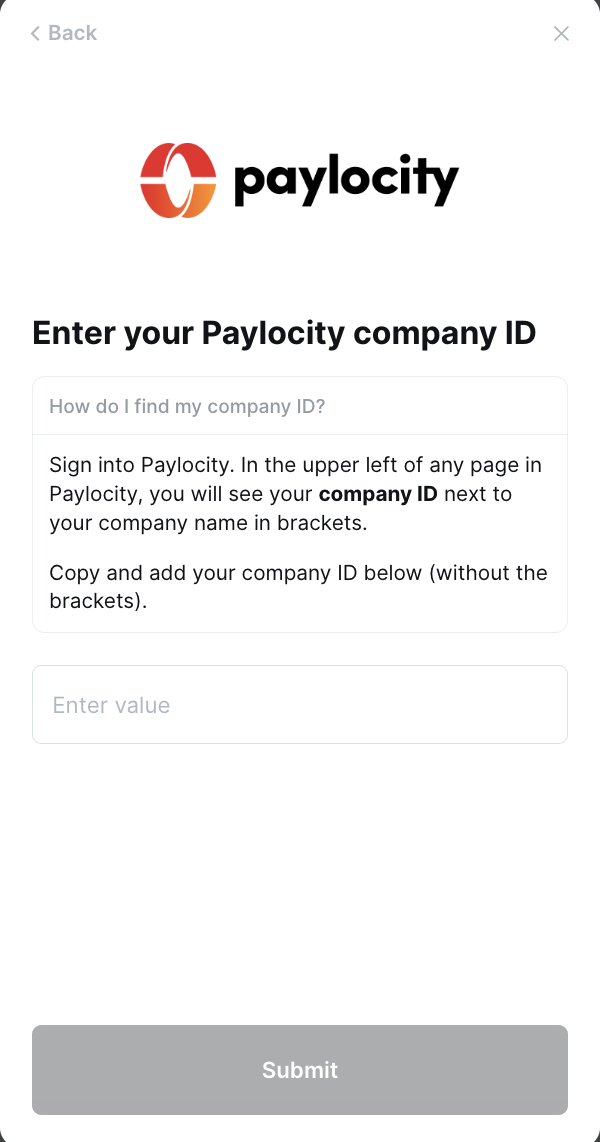
- Once Paylocity confirms your request, input your Company ID into the linking flow
Notes
- There may be a cost associated with the API setup & gathering of credentials from Paylocity