| This article applies specifically to organizations using the HRIS Sync integration. |
Overview
To authenticate Deel, you will need to provide the following information:
- Organization Token
Prerequisites
- You must be a Deel admin to complete the linking flow
- Your Deel account must have API access enabled. Contact your Deel account manager to confirm if you are unsure of this
Instructions
Step 1: Create an organization token
- In your Deel portal, go to Developer Center in the drop-down menu from the top bar
- Click generate new token
- Label your token, choose "Organization token (Recommended)", and click next
- Select all scopes to add to your organization token and click generate
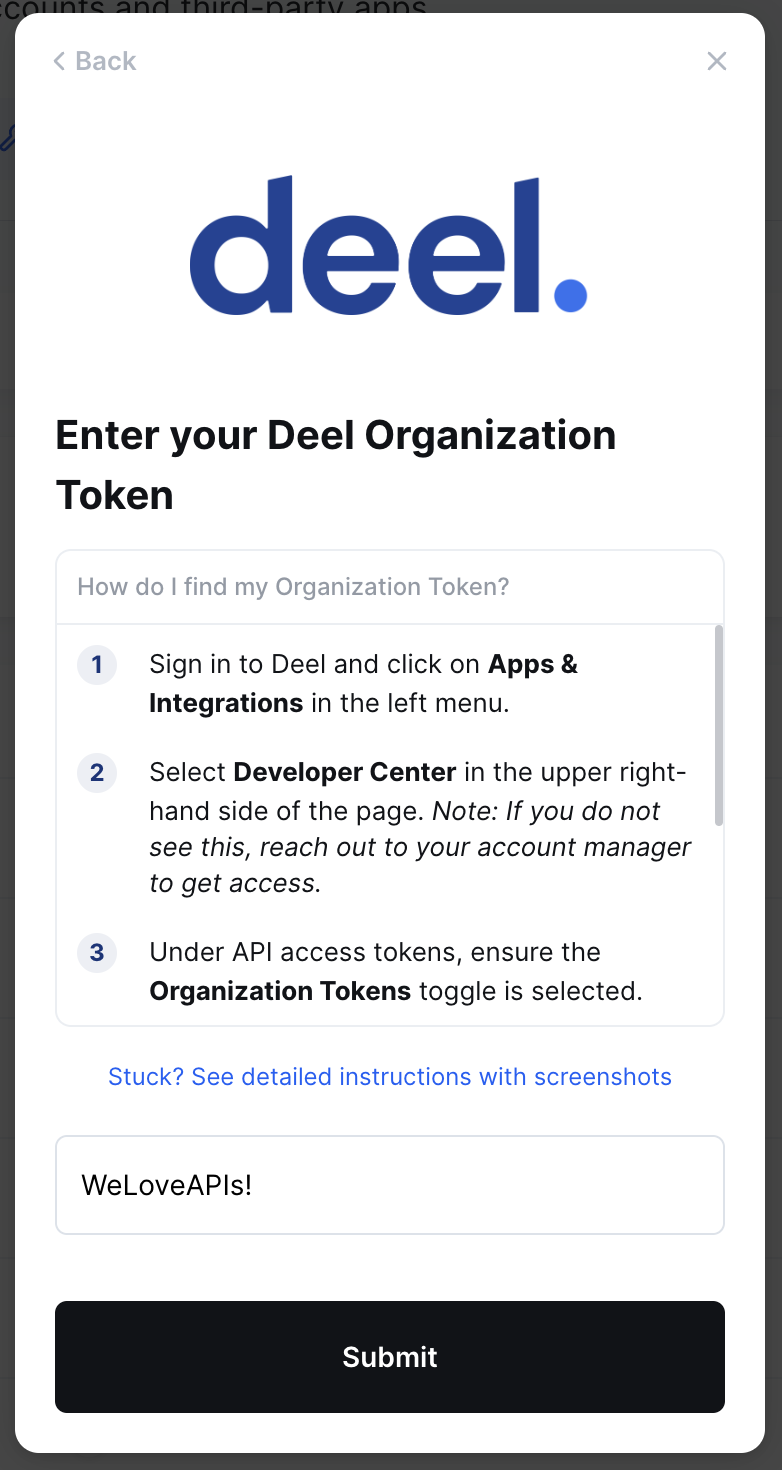
Step 2: Enter your token in the linking flow in ContactMonkey
- Navigate to your ContactMonkey dashboard.
- Go to Directory, then the Sources sub-tab.
- Find the HRIS Sync tile and click Configure. Search for Deel in the pop-up modal, follow the steps, and enter your token.