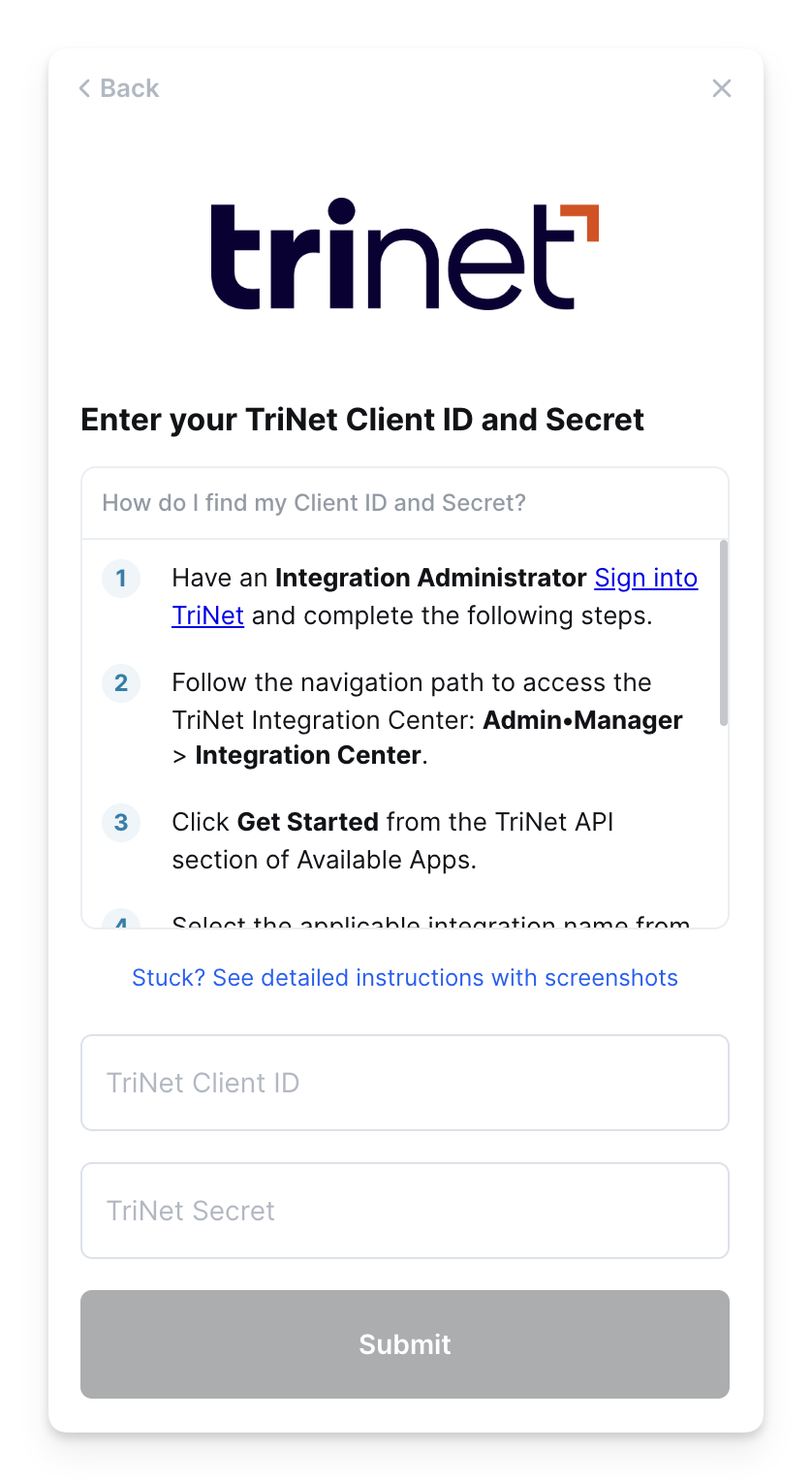
This article applies specifically to organizations using the HRIS Sync integration. |
Overview
The TriNet integration requires a Client ID, Secret, and Company ID to authenticate. This guide will walk you through finding or creating those credentials within TriNet.
Prerequisites
Please ensure you are an Integration Administrator in your company's TriNet instance, or someone has shared their access with you
Instructions
Step 1: Accessing your Client ID, Secret, and Company ID
- Sign in to TriNet
- Follow the navigation path to access the TriNet Integration Center: Admin•Manager > Integration Center
- Click Get Started from the TriNet API section of Available Apps.
- Select the applicable integration name from the Select an Integration drop-down list If you don't see the company you are attempting to integrate with listed in the dropdown, please contact your account manager.
- Click Accept
- Copy the Company ID, Client ID and Client SecretDo not navigate from this screen until the credentials are entered in the linking flow or securely saved in a local location, as they cannot be accessed again
- Click OK
Step 2: Enter the Client ID, Secret and Company ID