| This article applies specifically to organizations using the HRIS Sync integration. |
Overview
To authenticate BambooHR via OAuth, you will need to provide your BambooHR account credentials.
Prerequisites
Please ensure you fulfill all the requirements to set up the integration:
You have Full-Admin access in your company's BambooHR instance, or someone has shared their access with you
OR
- You have a Custom Access Level with sufficient access
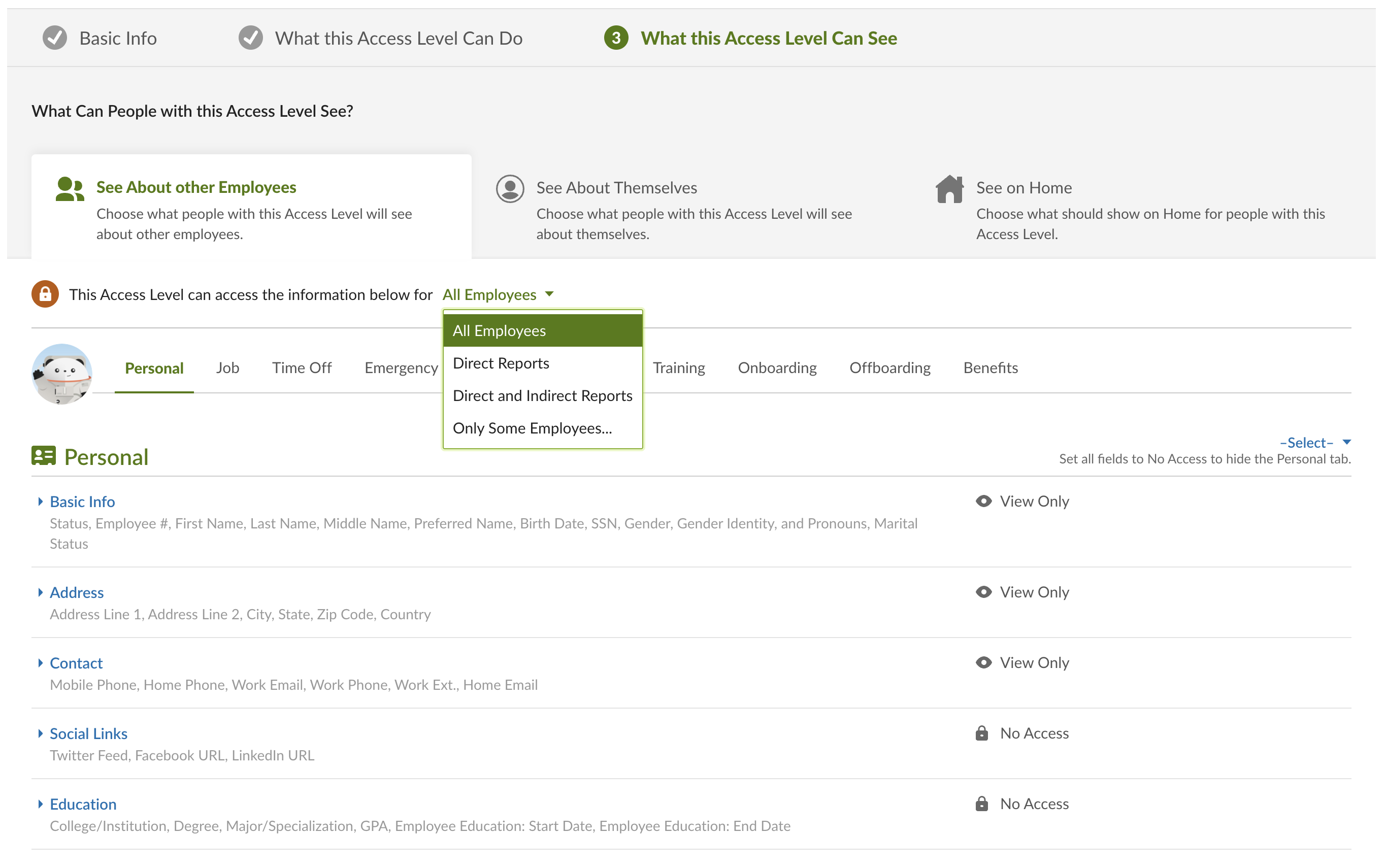
- If your use case requires more data than basic user provisioning, here are some guidelines:
- You should set your Access Level to view "All Employees", otherwise the data synced will be missing employee records
- You should allow View Access to information you want to be synced
- You should allow View Access to view your section to ensure your record is also synced
- If your use case requires more data than basic user provisioning, here are some guidelines:
You can find your access level in BambooHR by going to Settings Access Levels
Instructions
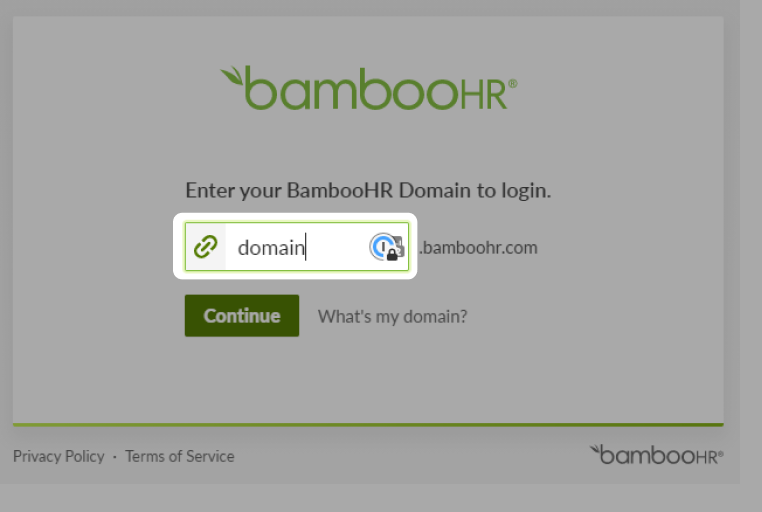
Step 1: Add your BambooHR subdomain
You will be redirected to BambooHR to log in to your account.
Step 2: Enter your BambooHR account credentials