This article applies specifically to organizations using the HRIS Sync integration. |
Overview
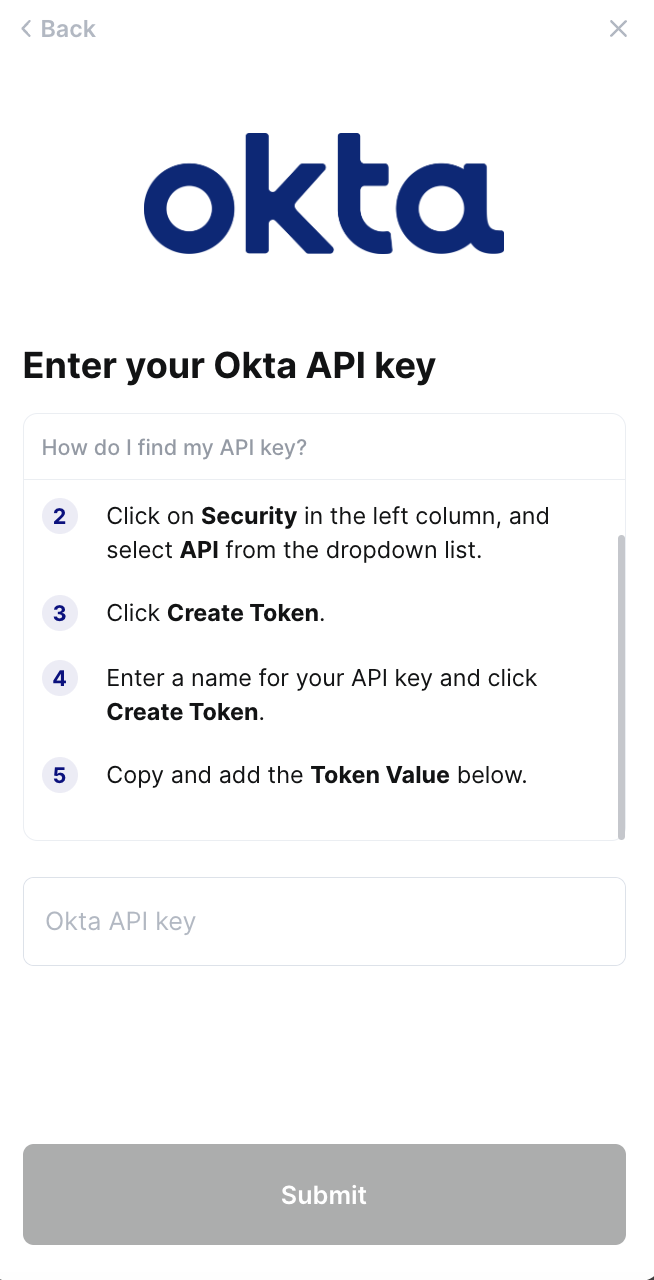
To authenticate Okta, you will need to provide the following information:
- API key
This guide will walk you through finding or creating those credentials within Okta.
Prerequisites
In Okta, API tokens are generated with the permissions of the user that created the token. If a user’s permissions change, then so do the token's. Only super admins, org admins, and group admins may create tokens. Please ensure you have one of those permissions in your Okta instance.
Additionally, Okta recommends generating API tokens using a service account that won’t be deactivated and with Super Admin permissions that won’t change.
Video Guide
Instructions
Step 1: Find your domain
- Login to Okta. Click on your Profile in the top right corner, copy the domain (including .okta.com) below your email
- Enter the domain into the linking window
Step 2: Create your API token
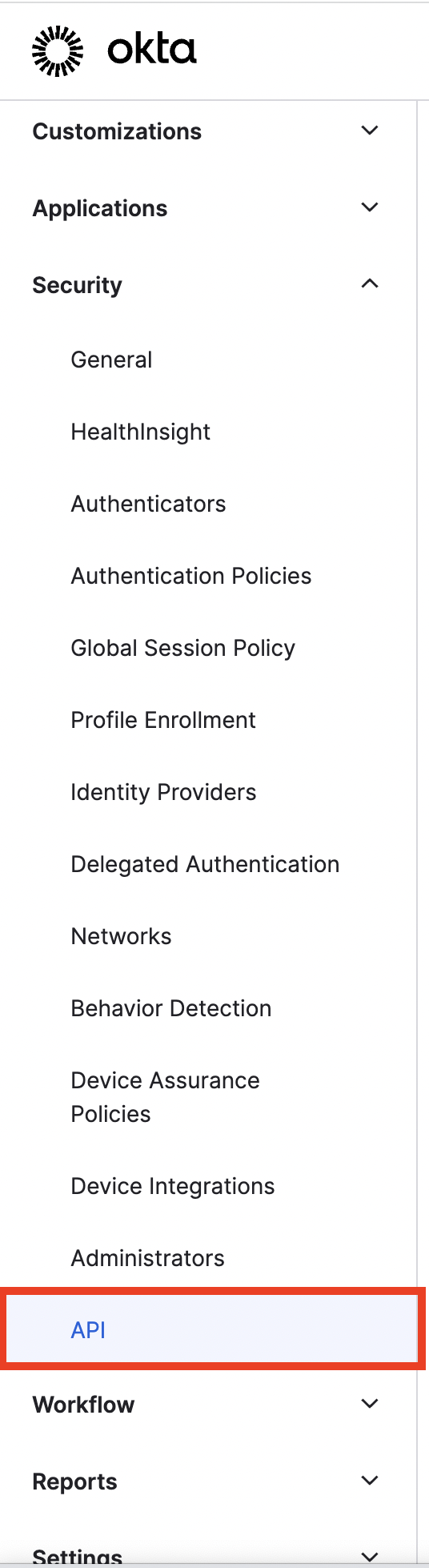
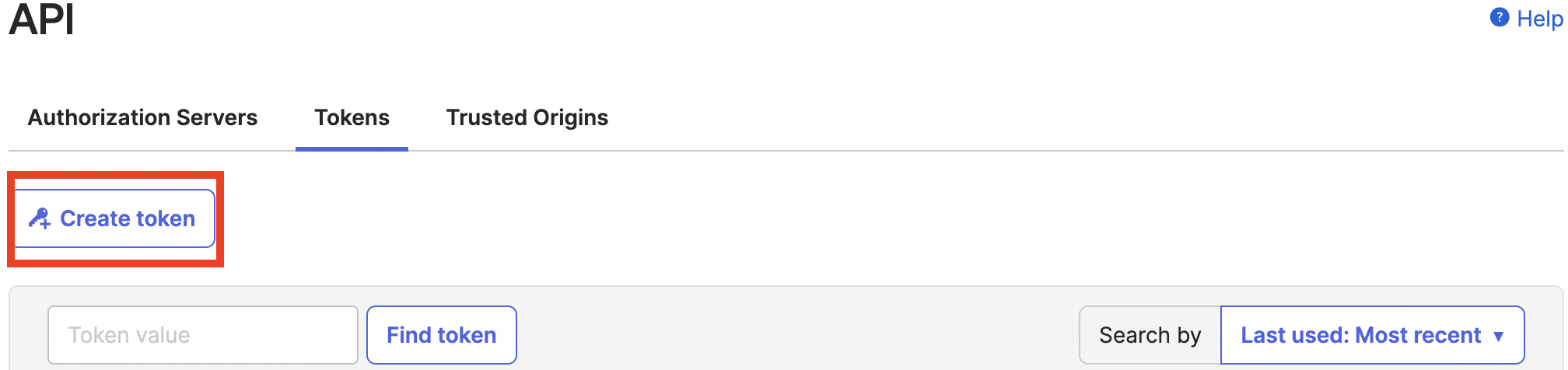
Click on Security in the left hand column, and select API from the dropdown. Navigate to Tokens, and click "Create token". Name your token, and then copy it to input into the linking window
Step 3: Enter the created token into the linking flow