| This article applies specifically to organizations using the HRIS Sync integration. |
Overview
To authenticate BambooHR using an API Key, you will need to provide the following information:
- Subdomain
- API key
This guide will walk you through finding or creating those credentials within BambooHR.
Prerequisites
Please ensure you fulfill all the requirements to set up the integration:
- You have Full-Admin access in your company's BambooHR instance, or someone has shared their access with youOR
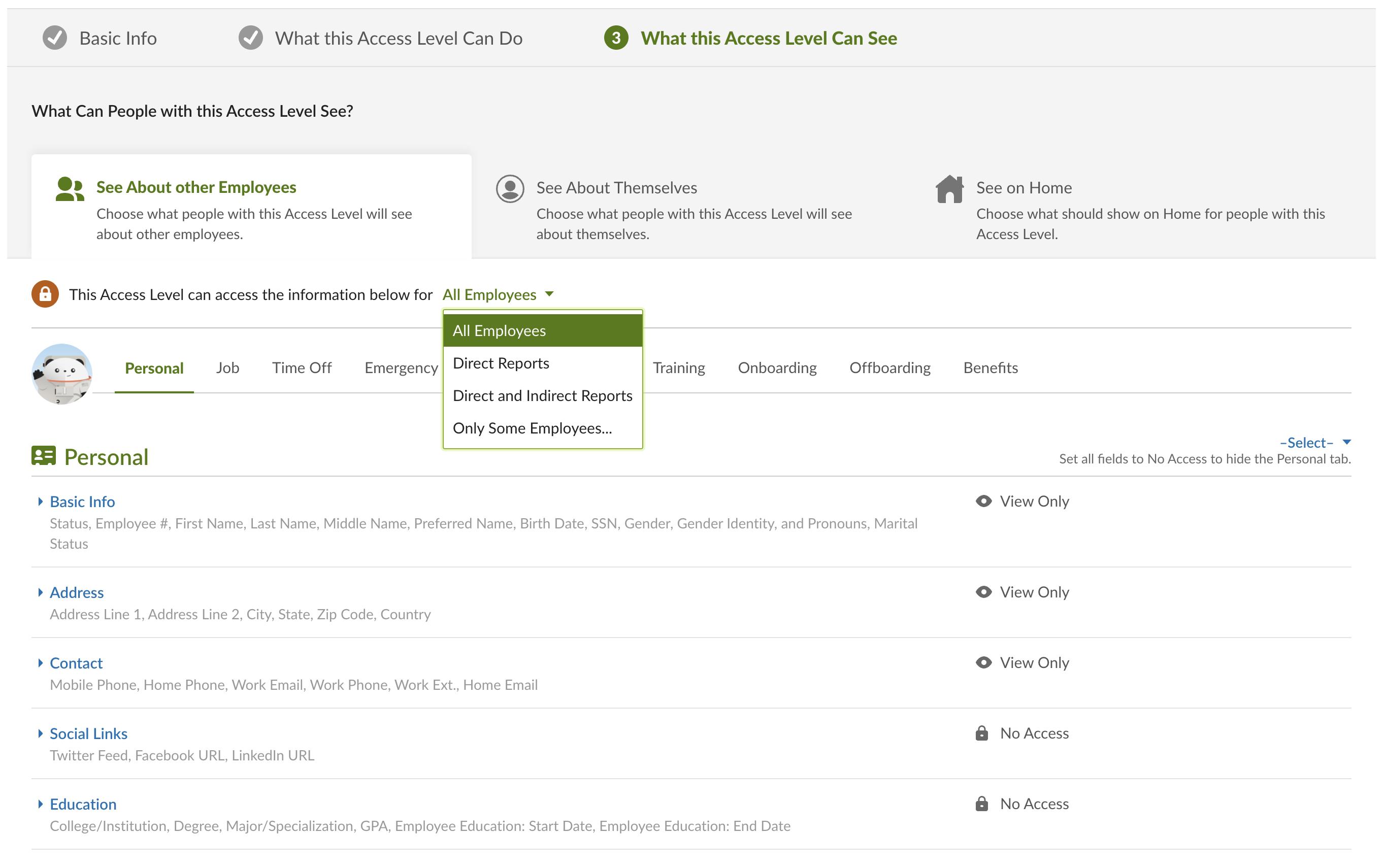
- You have a Custom Access Level with sufficient access
- If your use case requires more data than basic user provisioning, here are some guidelines:You should set your Access Level to view "All Employees", otherwise the data synced will be missing employee records
- You should allow View Access to information you want to be synced
- You should allow View Access to view your section to ensure your record is also synced
You can find your access level in BambooHR by going to Settings Access Levels
Instructions
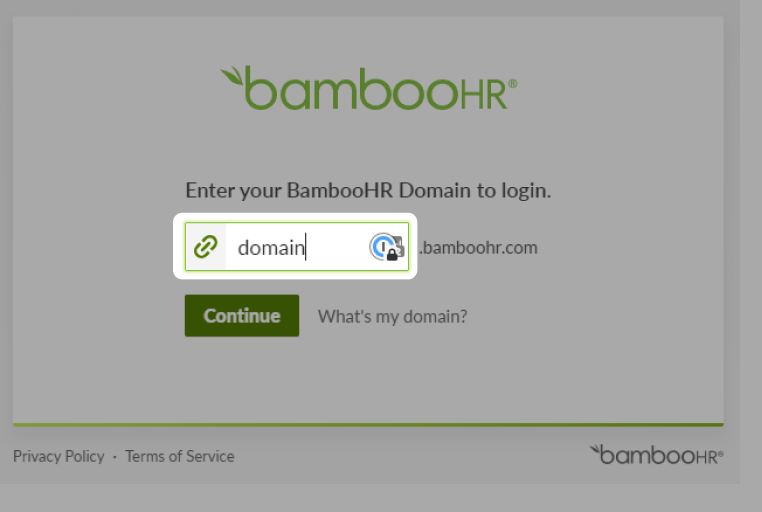
Step 1: Add your BambooHR subdomain to the linking flow
For example, if you sign in at "acme.bamboohr.com", add acme
Do not enter the full "acme.bamboohr.com"
Step 2: Find your BambooHR API key
- Click on the profile avatar in the bottom left-hand corner and in the user context menu click on API Keys
- Click Add New Key in the upper left corner
- Input an API Key Name, and then click Generate Key
- Copy the API key that appears, and add it to the linking flow