This article applies specifically to organizations using the HRIS Sync integration. |
Overview
To authenticate JazzHR, you will need to provide the following information:
- API key
Instructions
Step 1: Retrieve your API key from JazzHR
- Log in to your JazzHR account
- Click Settings on the top navigation menu:
- Click Integrations in the second level navigation menu:
- Copy the API key:
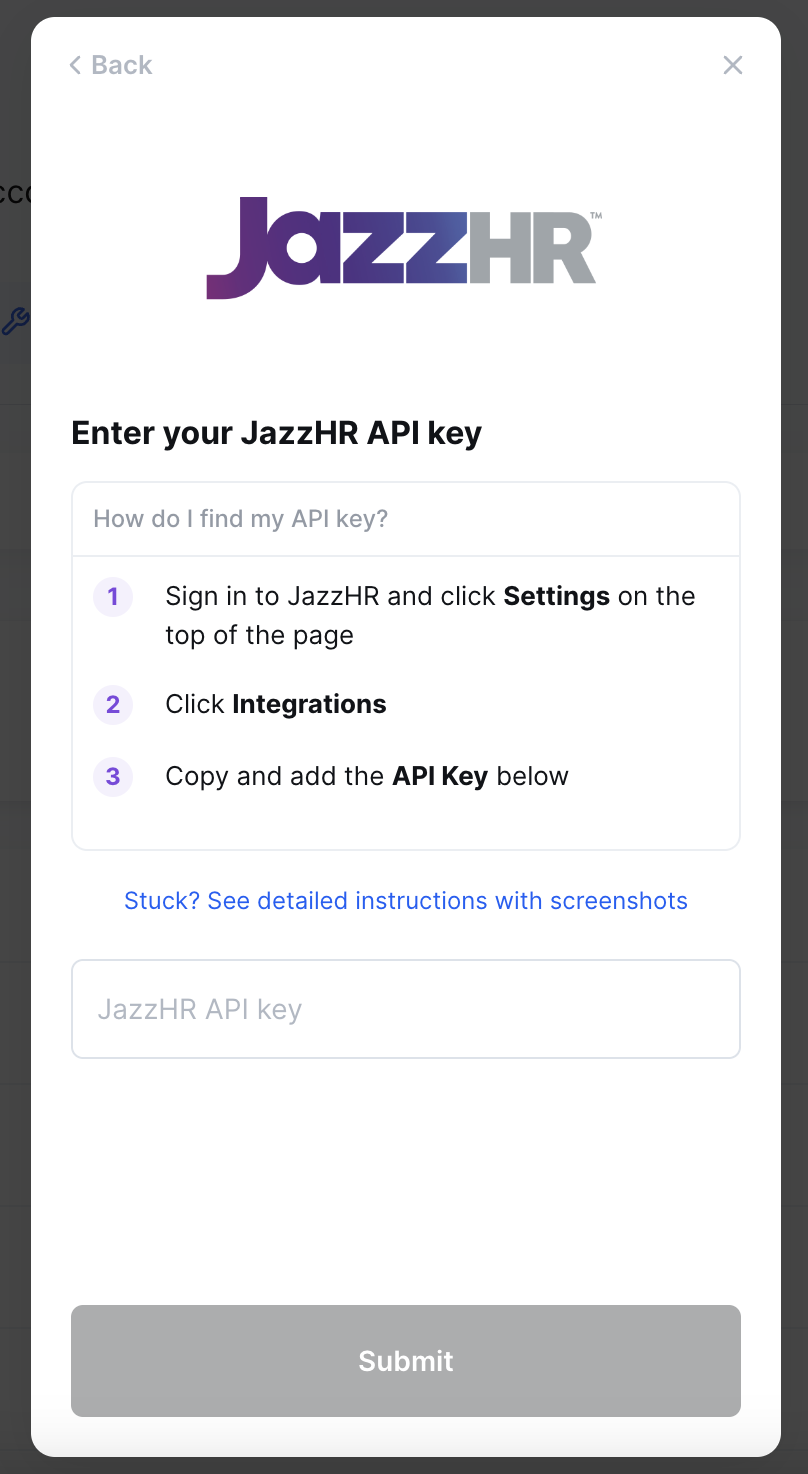
Step 2: Paste your API key in the linking flow.
In the linking flow, paste the API key from Step 1 into the respective field and click Submit to finish linking your account: